Helping people find COVID-19 support
My first UX project: a redesign concept for the Valencian government's website. It began as a question about funding and ended as a site that guides lost users instead of overwhelming them.
.svg)
Why I decided to tackle this issue
By late 2020 it was clear COVID-19 would last longer than anyone expected, and people needed more financial and emotional support. Many people around me were affected, and I found the way the government communicated hard to follow.
Nobody commissioned this project and I never presented it to the government. I did it because I cared about the problem.

The question changed
I started by asking: how might we help Valencian citizens find government funding options during COVID times?
Research showed the real problem was the website itself, so I ended up asking: how might we help Valencian citizens navigate the GVA website more comfortably?
I had assumed the gap was information about funding. Participants showed me they wanted help but could not find their way to it. Changing the question meant I stopped designing a funding page and started designing a way through the whole site.
Research
I interviewed seven people in very different situations: an unemployed person who had lost work to COVID closures, a self-employed restaurant owner, a high school student, a doctoral researcher claiming unemployment benefit, a self-employed builder, a full-time employee and a contract worker. A couple of them had health limitations, including dyslexia, which shaped what I learned about readability.
"I had to do everything. No one gave me any info, I didn't know I had that right."
Each session had an 18-question discussion guide covering their work situation, their experience of the website, how they felt about asking for help, and how they heard about funding. Then I watched them complete tasks on the GVA site, such as finding rent funding or an appointment, and repeat the same task on the Comunidad de Madrid site for comparison. I also benchmarked five government websites on homepage search, COVID-19 information and mental health support. Mental health support scored lowest.
.jpeg)
- The search bar led to dead ends. Every participant struggled with it. It sent three of them to a Google results page, and they gave up or hit a dead end without knowing what to do next.
- The main funding banner did not look clickable. Three participants did not realise it was a link or did not understand it was about funding.
- There was too much, in text too small. People felt overwhelmed, were unsure which things were links, and found the small, dense font hard to read. For the participant with dyslexia it was a real barrier.
- Language blocked people. Four participants had trouble with the switch between Valencian and Spanish, with options that never translated fully, or with lack of English translation.
- Help came from people, not the site. Participants found support through friends, consultants, online forums and phone calls, and rarely through the website itself.
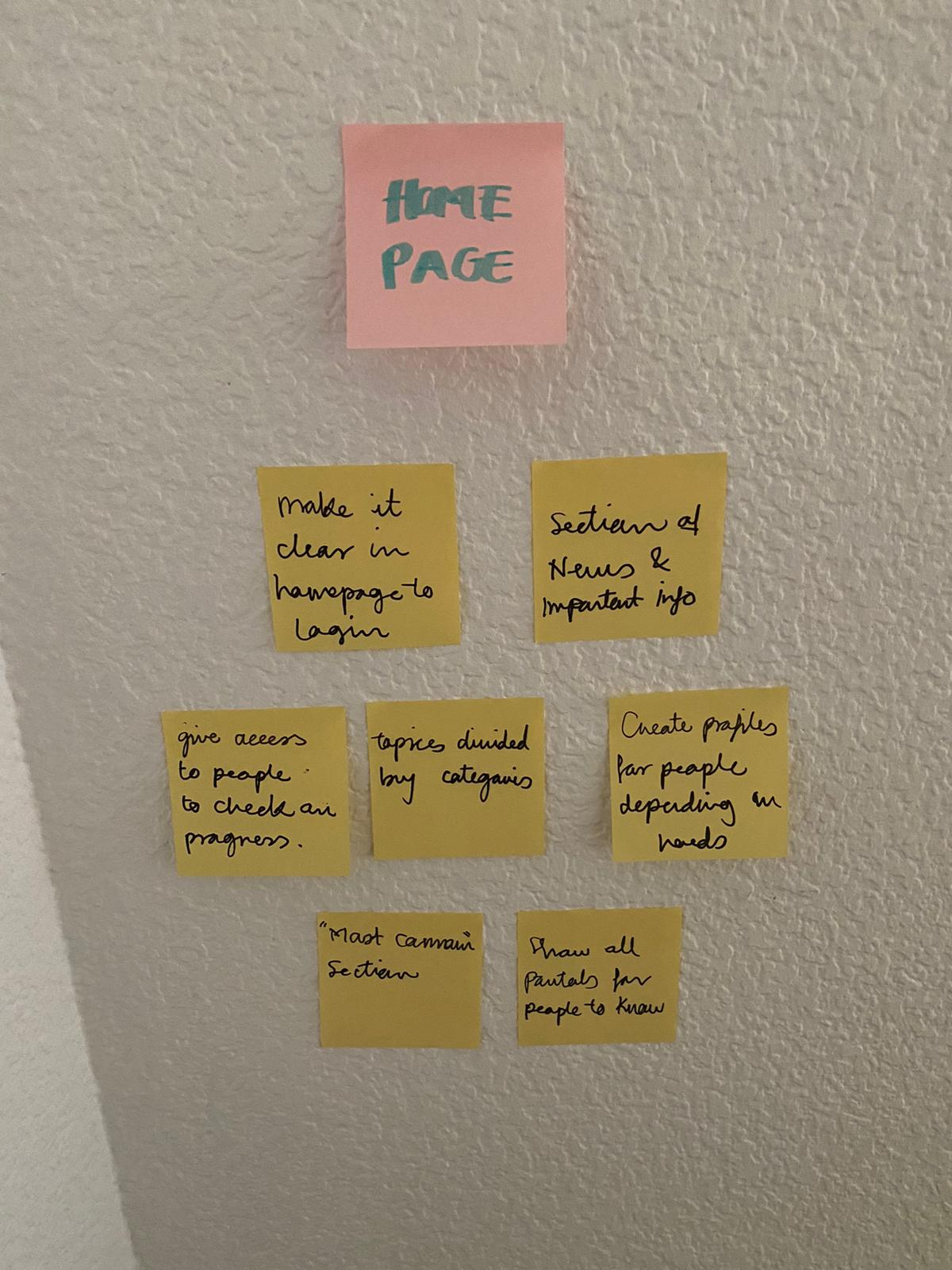
- Guidance was missing. People wanted notifications tailored to them, a way to say who they are (student, pensioner, self-employed) and see what applies, and a short test to check what funding they qualify for.
- The Madrid site was not a clean win. Participants liked its bigger search bar, short descriptions, staying on the same site, a progress menu and a read-aloud option. One participant thought its red design looked less official, and another preferred GVA's dense layout and colour.
"There are so many things that I don't need to know."
Making sense of it
I turned the interviews into two personas, Lucía the Dreamer and Marco the Independent, and drew two journey maps of the same experience: one showing how people actually move through the site, and one showing how the site expects them to. The gap between the two became my design brief. I then mapped the journey I wanted users to have and rebuilt the information architecture around it.
Design and testing
I tested twice, first a low-fidelity prototype and then a high-fidelity one, and changed the design after each round. In the first test, users struggled with changing language, quick searching, getting back to the homepage and opening the menu. That led to the sticky menu.

The final design
Every change answers something a participant struggled with.
Limitations and What I learned
Since this was a concept I never took to the government, I gathered no live results, only what testers told me. I spoke to seven people, including a couple with health limitations, so this is a small qualitative sample, not something to generalise from.
My first question was wrong, and the research told me so
- Test with more people who have less access to technology and fewer digital skills.
- Fix the language experience, with Valencian, Spanish and English fully translated.
- Run a more thorough accessibility review.
- Measure whether the survey really shortens the time it takes to find what people need.